
Gathery
The list your whole family actually uses.
Shared grocery lists, plans and chores for the people you live and hang out with, synced in real time.
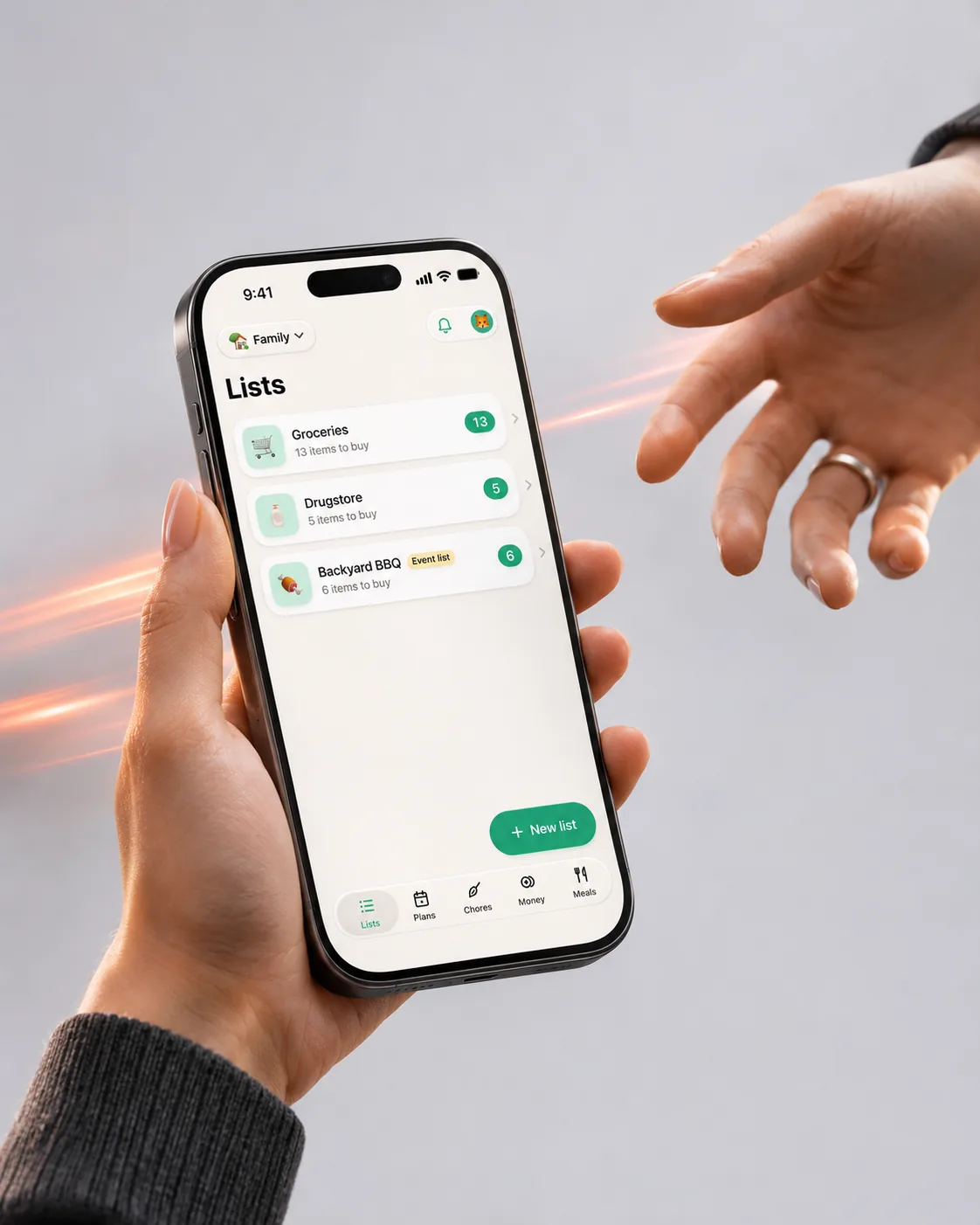
Tap “I’m at the store” and everyone at home gets a nudge to add what they need. Items pop onto your list while you walk the aisles, and you can tick them off from the Lock Screen.
Watch it move
The app in 20 seconds
The same short film we made for the App Store. It plays muted; tap the button to pause.
What it does
Screen by screen
-
 01
“I’m at the store”
Tap it and everyone at home gets a nudge to add what they need. New items pop in while you shop, and a Live Activity keeps the count on the Lock Screen.
What is where
- Top: how many items are left.
- Middle: the Live Activity, with who just added what.
- Tiles: tap to tick off. “Finish shopping” at the bottom.
-
 02
Plans that actually happen
Movie nights, barbecues and birthdays with a poll for the date, RSVPs and “who brings what”.
What is where
- Top card: the next plan with its date and place.
- Poll: vote for a time, see who picked which.
- Below: upcoming plans by date and who is going.
-
 03
Who owes whom? Sorted.
Add who paid and Gathery works out the balances. Shopping trips flow into a shared monthly budget.
What is where
- Top: Split or Budget.
- Green card: the group balance and who owes you.
- Bottom: the history with each person’s share.
-
 04
Chores that take turns
Fair rotation for repeating chores, reminders for whoever is next and stars for the kids.
What is where
- Top: what is on today and your stars.
- Star board: everyone’s stars this month.
- List: each chore with who is next.
App Store screens
Tap a screen to open it full sizeQuestions
Do others need the app to join?
Yes, on iPhone or Android. You invite them with a card you can send in any messenger.
Does one Pro cover the group?
Yes. When one member has Pro, the whole group gets the Pro features.
Can I use it without an account?
You can start anonymously and link Apple or Google sign-in later to keep your lists on a new phone.
Documents
