
Daystitch
One second at a time.
Record one second through your day and get a 15-second reel cut to the beat.
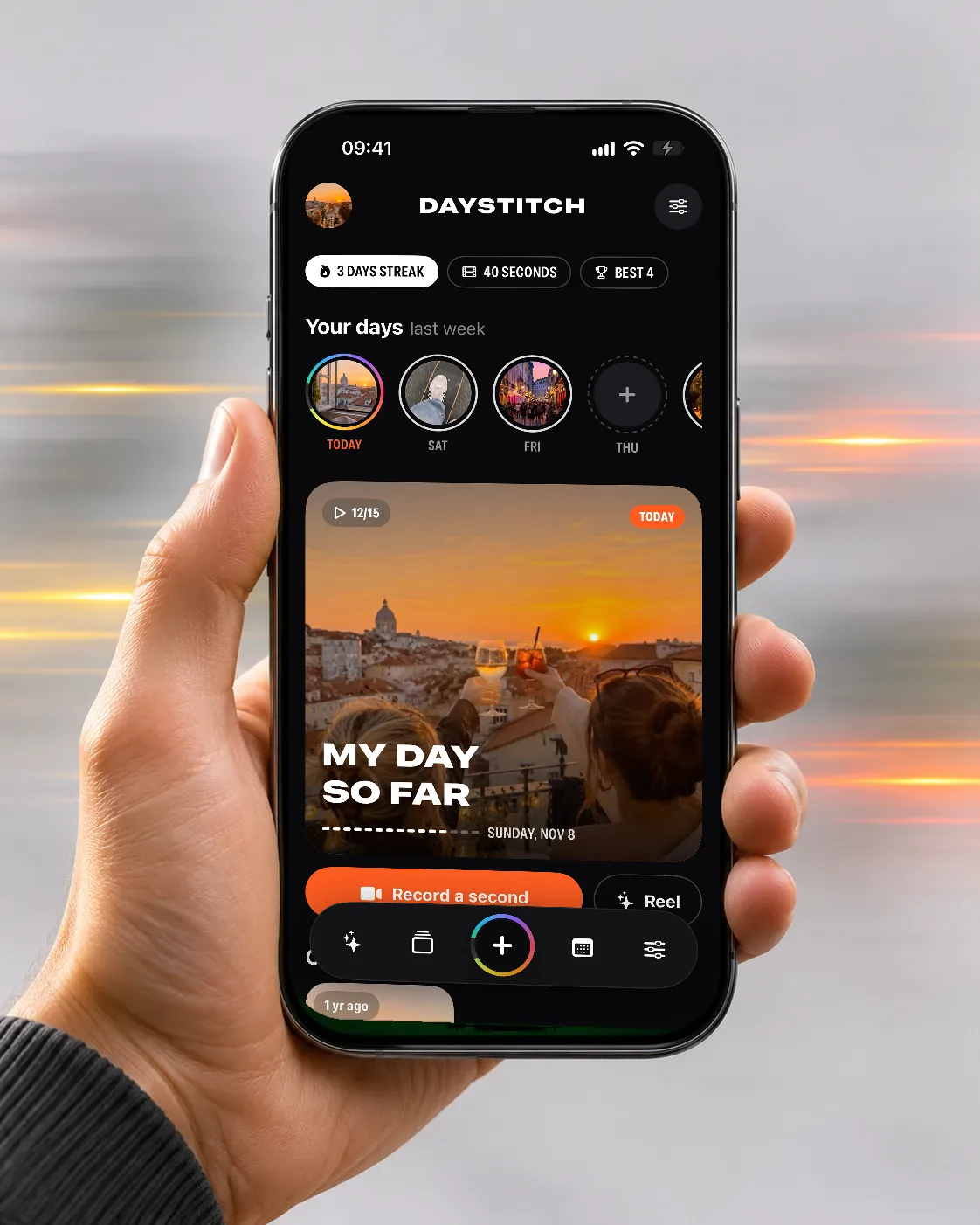
Hourly nudges from 8 to 22, one second each. By evening Daystitch has edited your day into a reel for Stories and TikTok, with templates that move with the music.
Watch it move
The app in 20 seconds
The same short film we made for the App Store. It plays muted; tap the button to pause.
What it does
Screen by screen
-
 01
One tap, one second
The camera records exactly one second and stops by itself. Shoot a few in a row, and fifteen make a reel.
What is where
- Top: the date and how many seconds you have, like 12/15.
- Centre: the viewfinder.
- Bottom: the 1s shutter, the last clip and the camera flip.
-
 02
Templates on the beat
Photo Dump, Day in My Life, Velocity, VHS, Cinematic and Polaroid. Every cut lands on the music, even on a song you add yourself.
What is where
- Top: Day, Week or Month, and the clips that go in.
- Middle: template cards. Swipe to pick one.
- Bottom: music and “Make my reel”.
-
 03
Day, week or month
Turn any stretch of time into one 15-second reel: today, the last seven days or a whole month.
What is where
- Top: the Day, Week and Month switch.
- Below: the dates and the seconds picked from them.
- Then: a template and the music.
-
 04
Every day, kept
Your seconds live on a calendar, and “on this day” brings back the same date from years ago.
What is where
- Each month is a grid of days with your clips.
- Top right: how many days you filled that month.
- Bottom: the camera button in the middle of the tab bar.
App Store screens
Tap a screen to open it full sizeQuestions
Can I import clips from Photos?
Yes. Daystitch only sees the items you pick.
Do I have to record every hour?
No. Pick hourly, once a day at 20:00, or no reminders at all.
Documents
